Online Booking Best Practices
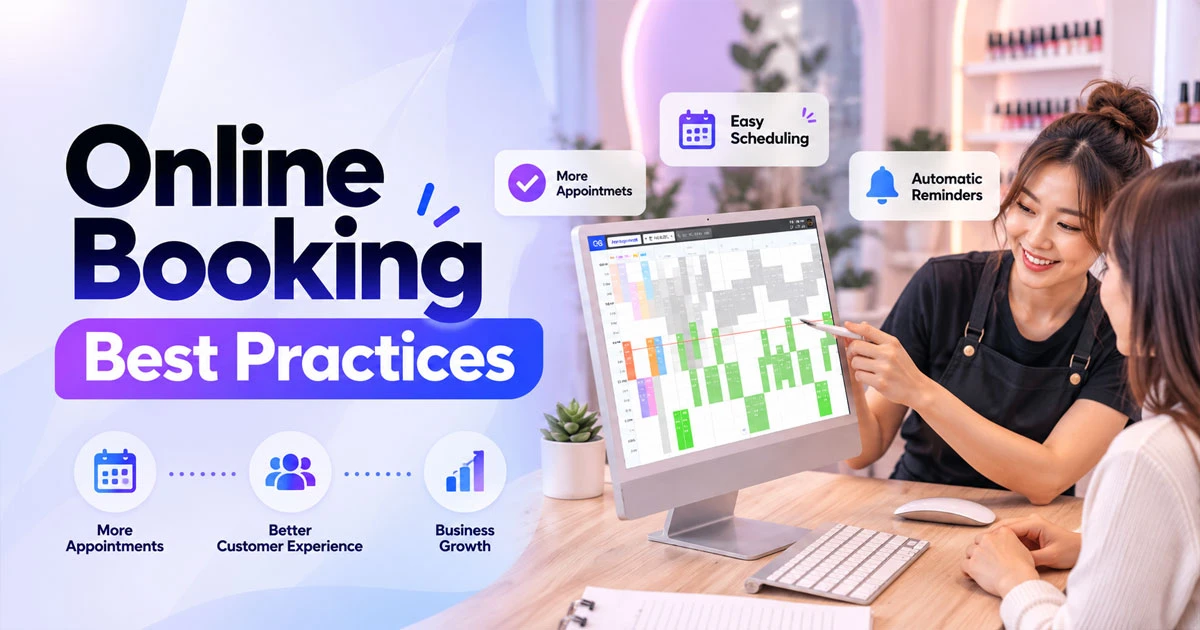
Online Booking Best Practices: How to Get More Appointments and Reduce No-Shows
Online booking has become an essential part of running a modern service business. For nail salons, beauty salons, spas, and other appointment-based businesses, a well-designed online booking system can make it easier for customers to schedule appointments while reducing the amount of time staff spend answering calls and messages.
However, simply adding a booking form to a website is not enough. Businesses need to follow online booking best practices to create a fast, simple, and convenient booking experience.
This guide explains how small businesses can optimize their online booking process, increase completed appointments, reduce no-shows, and improve customer satisfaction.
What Are Online Booking Best Practices?
Online booking best practices are strategies and processes that make it easier for customers to schedule appointments online while helping businesses manage their calendars efficiently.
A successful online booking system should make it easy for customers to:
- Find available appointment times
- Choose a service
- Select a staff member when necessary
- Enter their contact information
- Confirm an appointment
- Receive booking confirmation and reminders
- Reschedule or cancel when allowed
For service businesses, the goal is simple: reduce friction between a customer deciding to book and completing the appointment.
1. Make Online Booking Easy to Find
One of the most important booking best practices is visibility.
Customers should not have to search through several pages to find your booking option. Add a clear Book Now or Book Appointment button to important customer touchpoints, including:
- Website homepage
- Service pages
- Google Business Profile
- Instagram profile
- Facebook page
- Email campaigns
- SMS marketing
- Digital advertisements
For example, a nail salon advertising a new manicure service should send customers directly to the booking page rather than making them navigate through the homepage.
The fewer steps customers need to take, the easier it is for them to complete a booking.
2. Keep the Booking Process Simple
A complicated booking form can cause customers to abandon the process.
Only request information that is necessary to complete the appointment. Depending on the business, this may include:
- Customer name
- Phone number
- Email address
- Service
- Preferred date and time
- Staff member, if applicable
Avoid asking customers to complete unnecessary fields before they can book.
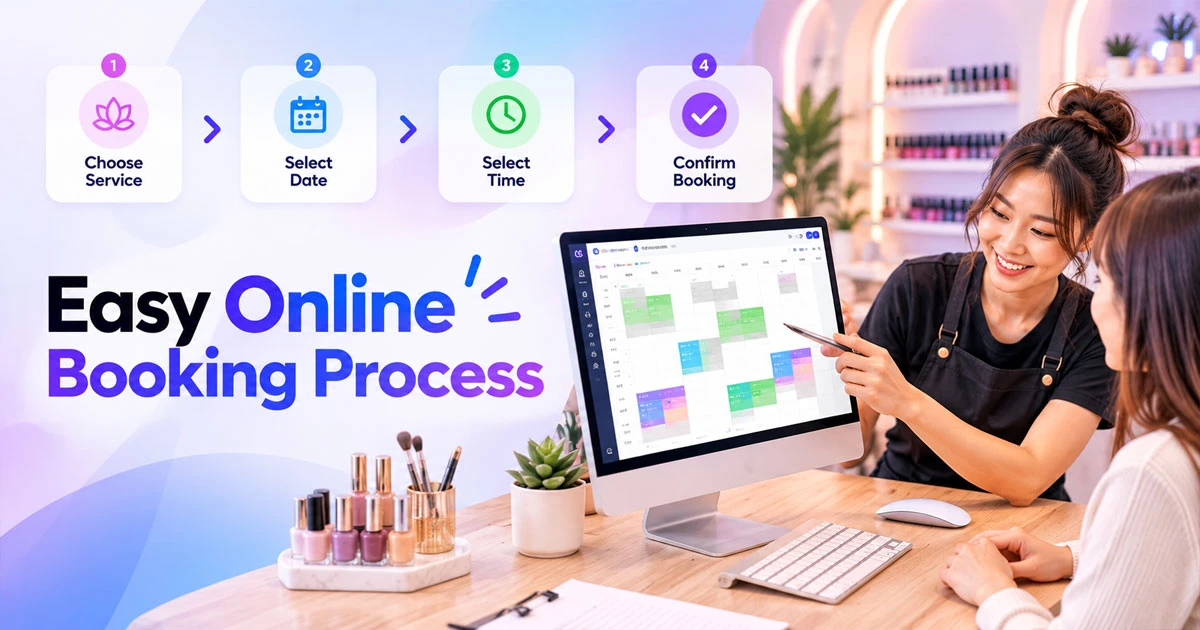
A simple online booking process helps customers quickly choose a service, date, and appointment time.
For mobile users, the booking process should be especially simple because many customers will schedule appointments from their phones.
3. Clearly Display Services and Prices
Customers want to know what they are booking and how much it costs before confirming an appointment.
Each service should have a clear name, description, duration, and price whenever possible.
For example:
Gel Manicure
60 minutes — $45
Pedicure
45 minutes — $40
Clear service information helps customers choose the right appointment and reduces confusion after booking.
For businesses with customized pricing, explain the pricing structure before the customer confirms the appointment.
4. Show Real-Time Availability
Showing accurate availability is another important online booking best practice.
Customers should be able to see available dates and appointment times without contacting the business.
A good booking system can synchronize appointment availability with the business calendar. This helps prevent double bookings and allows customers to choose a convenient time immediately.
For businesses with multiple employees, customers may also be able to select a preferred technician, stylist, or service provider.
5. Optimize the Booking Experience for Mobile
Mobile optimization is essential because customers frequently search for local businesses from smartphones.
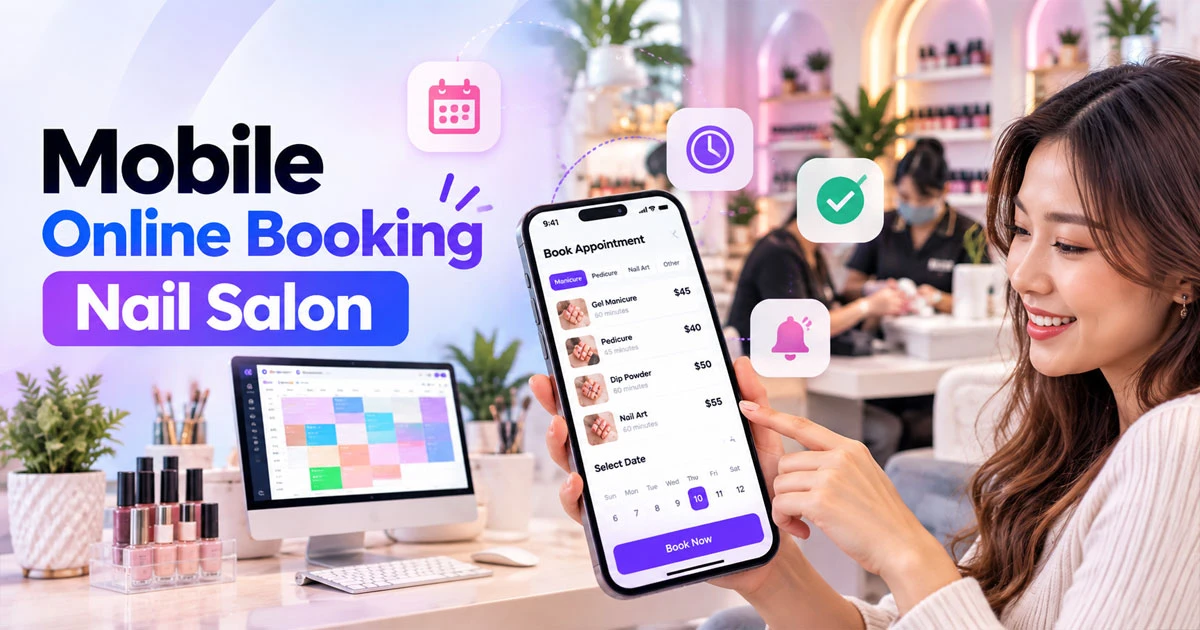
A mobile-friendly booking experience makes it easier for customers to schedule nail salon appointments from their phones.
Your online booking page should:
- Load quickly
- Use large, easy-to-tap buttons
- Have readable text
- Minimize typing
- Display available times clearly
- Avoid unnecessary pop-ups
- Work correctly across common mobile browsers
A customer searching for “nail salon near me” may be ready to book immediately. If the booking page is slow or difficult to use, that customer may leave and choose another business.
6. Send Automatic Booking Confirmations
After a customer schedules an appointment, send an immediate confirmation.
The confirmation should clearly show:
- Business name
- Service
- Appointment date
- Appointment time
- Location
- Staff member, if applicable
- Cancellation or rescheduling policy
- Contact information
Email and SMS confirmations can both be useful depending on the customer's preferences.
An automatic confirmation reassures the customer that the appointment was successfully scheduled.
7. Use Appointment Reminders to Reduce No-Shows
No-shows can directly affect revenue for appointment-based businesses.
One effective strategy is to send automated reminders before the appointment.
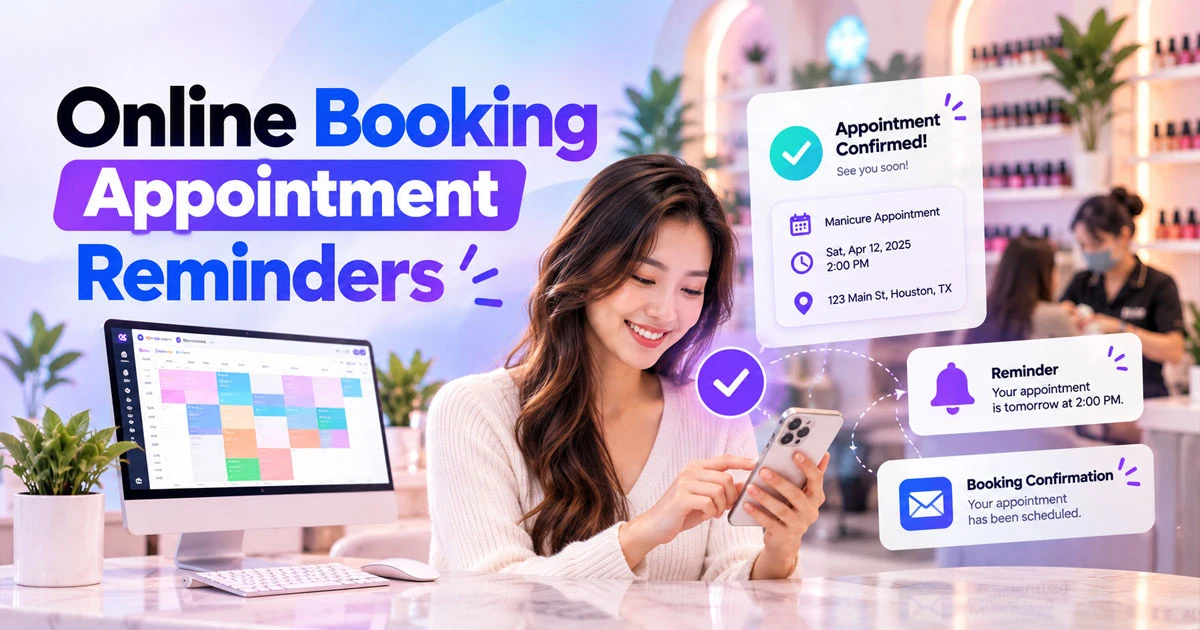
Automatic booking confirmations and appointment reminders can help businesses manage appointments and reduce no-shows.
For example:
24–48 hours before:
“Reminder: You have an appointment at [Business Name] tomorrow at 2:00 PM.”
Businesses can also include a simple link or instruction for customers who need to reschedule.
Reminder timing can vary depending on the type of business and customer behavior. Testing different reminder schedules can help determine what works best for your customers.
8. Make Rescheduling and Cancellation Clear
Customers sometimes need to change their appointments.
Instead of forcing customers to call the business, consider providing an easy way to reschedule or cancel according to your policies.
Clearly communicate:
- Cancellation deadlines
- Late cancellation fees
- No-show policies
- Rescheduling rules
A transparent policy can reduce misunderstandings and make appointment management easier for both customers and staff.
9. Connect Online Booking With Marketing
Online booking should not operate separately from your marketing strategy.
Your advertising campaigns, social media posts, website, and Google Business Profile should create a clear path from discovery to booking.
For example:
Google Search → Website → Service Page → Book Now → Appointment Confirmation
You can also use online booking links in social media campaigns.
For local service businesses, this connection is particularly important because customers often discover businesses through Google searches, Google Maps, social media, and local advertising.
10. Track Booking Performance
Businesses should monitor their booking data to understand what is working.
Important metrics can include:
- Number of online bookings
- Booking conversion rate
- No-show rate
- Cancellation rate
- Rescheduling rate
- Most-booked services
- Peak booking times
- New versus returning customers
For example, if a business receives significant website traffic but few completed bookings, the booking page may have usability or conversion problems.
Data can help identify where customers are dropping out of the booking process.
How Fastboy Marketing Can Help
For nail salons and other local service businesses, online booking works best when it is connected to a broader digital marketing strategy.
Fastboy Marketing helps service businesses improve their online presence through services such as SEO, Google Maps Optimization, website design, social media marketing, and customer-focused digital solutions.
A strong online booking strategy can work together with local SEO and Google Maps marketing to help turn online searches into actual appointments.
The objective is not simply to generate more website visitors. The goal is to create a smoother customer journey from search → discovery → booking → appointment → repeat visit.
Frequently Asked Questions About Online Booking
What is the most important online booking best practice?
The most important principle is to make booking simple. Customers should be able to quickly find your booking option, choose a service, select an available time, and confirm their appointment without unnecessary steps.
How can online booking reduce no-shows?
Automatic appointment confirmations and reminders can help customers remember their appointments. Clear cancellation and rescheduling policies can also make appointment management easier.
Should a nail salon offer online booking?
Yes. Online booking can give customers the ability to schedule appointments outside business hours while reducing the number of calls and messages staff need to handle manually.
Should online booking work on mobile devices?
Yes. A mobile-friendly booking experience is important because many local customers search for businesses and services using smartphones.
What information should an online booking system collect?
A booking system should generally collect only the information required to schedule and manage the appointment, such as the customer's name, contact information, service, date, and appointment time.
Final Thoughts
Following online booking best practices can help service businesses create a better customer experience while making appointment management more efficient.
The most effective approach combines a visible booking button, a simple mobile-friendly booking process, accurate availability, clear pricing, automatic confirmations, appointment reminders, and easy rescheduling.
For nail salons, beauty businesses, spas, and other local service businesses, online booking should be more than a standalone feature. It should be part of a complete digital customer journey that connects SEO, Google Maps, social media, advertising, website traffic, and appointment scheduling.
When these elements work together, businesses can make it easier for customers to move from discovering a business online to actually booking an appointment.